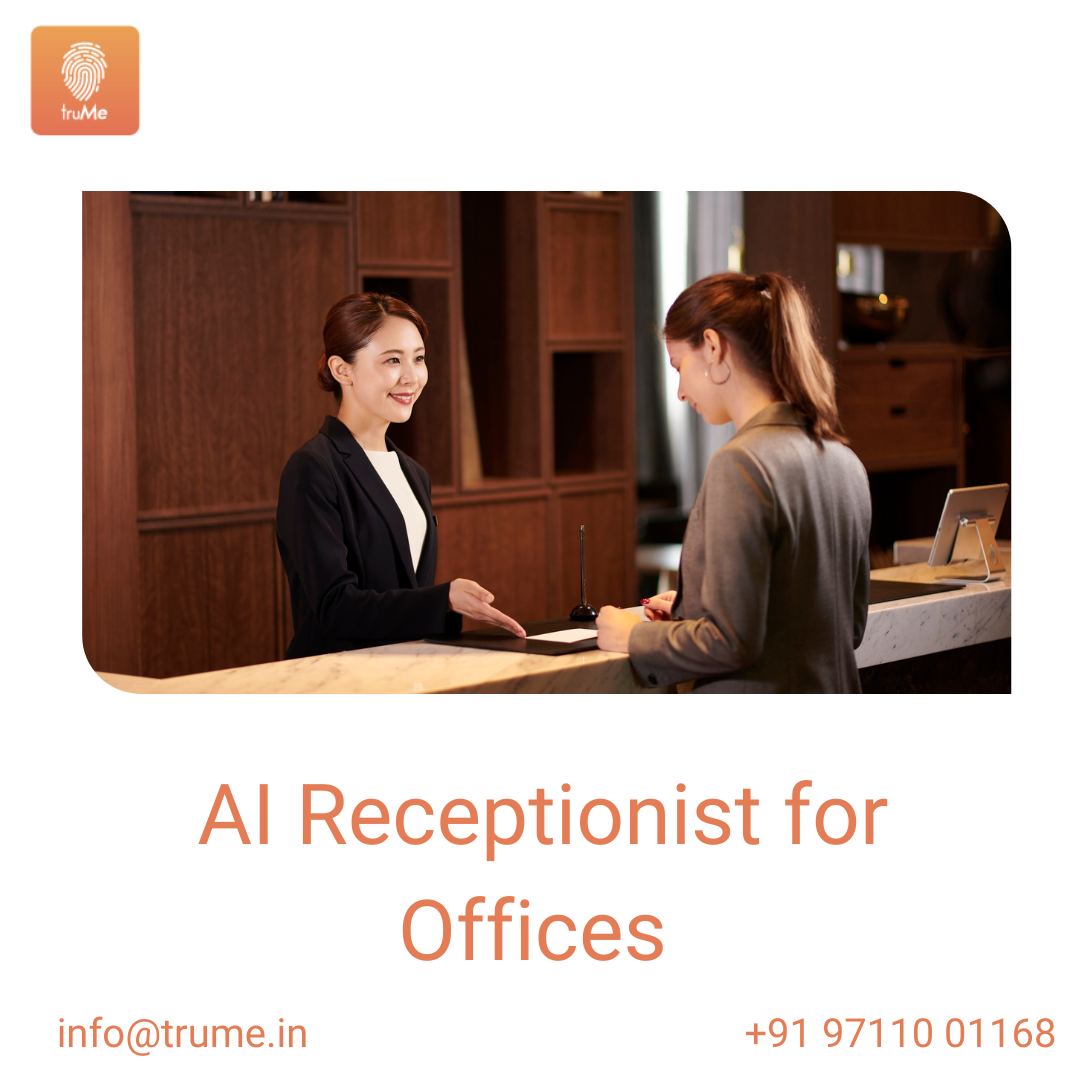
AI Receptionist for Offices: Transforming Front-Desk Experience in the Middle East
An AI receptionist for offices is rapidly becoming a must-have for modern workplaces across the Middle East. By combining automated guest check-ins, smart notifications, multilingual support, and integration with access control and calendar systems, an AI receptionist for offices improves security, speeds visitor processing, and elevates the professional image of businesses from Dubai to Riyadh. This article explains why offices need AI receptionists, key features to evaluate, implementation tips for the region, and how to measure ROI.

Why an AI Receptionist for Offices Matters in the Middle East
- High visitor volumes and mixed users. Offices and multi-tenant buildings in the region host employees, clients, contractors, and government officials. An AI receptionist for offices handles diverse visitor flows without long queues.
- Multilingual expectations. English support is essential; an AI receptionist can offer seamless bilingual interactions to welcome guests and guide them.
- Enhanced security and compliance. Automated ID capture, visitor tracking, and audit logs support regulatory requirements and company policies.
- Cost and efficiency gains. Automating routine front-desk tasks frees reception staff to focus on high-value service and reduces staffing pressure during peak hours.
- Professional guest experience. Fast, contactless check-in, host notifications, and branded communications create a premium first impression.
Core Features of an Effective AI Receptionist for Offices
- Contactless check-in and pre-registration: Mobile QR codes, pre-registered invites, and self-service kiosks speed up arrival and reduce physical touchpoints.
- Natural language processing (NLP): Conversational AI that understands and English for accurate visitor guidance and responses.
- ID verification and watchlist screening: Capture IDs, run KYC checks where required, and screen against watchlists to improve security.
- Host notifications and workflows: Instant SMS, email, or app alerts to hosts with visitor details, photos, and meeting context.
- Access control integration: Issue time-limited access credentials or trigger door unlocks only for authorized visitors.
- Calendar and CRM sync: Link with Outlook, Google Calendar, and CRM systems to auto-match meeting invites and reduce manual entry.
- Badge printing and QR credentials: Print visitor badges or issue digital credentials with area permissions and expiry.
- Analytics and reporting: Track visitor trends, peak times, no-show rates, and compliance logs for audits.
- Privacy and data controls: Role-based access, configurable retention policies, and encrypted storage to meet regional data expectations.
How an AI Receptionist Improves Office Operations
- Faster throughput: Pre-registration and automated verification reduce queue times and speed host handoffs.
- Lower operational costs: Fewer routine tasks for reception staff and more efficient use of resources during busy periods.
- Reduced security incidents: Automated ID checks, photo capture, and access integration limit unauthorized entry.
- Better visitor experience: Clear directions, fast check-in, and timely host communication enhance satisfaction and brand perception.
- Actionable insights: Visitor analytics help facility managers plan staffing, lobby layout, and security measures.
Implementation Tips for Middle East Offices
- Localize language and flows: Prioritize English prompts, clear bilingual signage, and region-appropriate phrasing for polite interactions.
- Define clear data policies: Communicate what visitor information is collected, retention duration, and who can access it to satisfy privacy expectations.
- Integrate with existing systems: Ensure the AI receptionist connects to your access control, calendar, HR, and visitor management System.
- Pilot before wide rollout: Run a pilot at a single location or business unit to refine guest flows, language models, and approval rules.
- Train staff and hosts: Provide quick guides and short training sessions so hosts understand pre-registration, approvals, and override options.
- Plan for peak events: Create workflows for bulk pre-registration, VIP lanes, and temporary badge rules during conferences or large meetings.
- Accessibility and etiquette: Design interfaces and voice prompts that consider cultural norms and accessibility needs.
Common Use Cases
- Corporate headquarters: Automate guest verification and visitor logs for executive floors while integrating with parking and security.
- Multi-tenant commercial buildings: Offer tenant-scoped pre-registration and host approvals while maintaining building-level oversight.
- Coworking spaces: Use AI receptionists to manage high-volume day passes, meeting room guests, and external client visits.
- Government liaison offices: Provide secure, auditable visitor flows with ID capture and time-limited access credentials.
- Event and conference lobbies: Scale check-ins during peak arrivals using QR scanning and bulk pre-registration.
Measuring Success: KPIs to Track
- Average check-in time: Reduction in time from arrival to badge issuance or access.
- Visitor throughput per hour: Number of visitors processed during peak windows.
- No-show and cancellation rates: Changes after adding reminders and pre-registration.
- Reception staff hours saved: Operational time reallocated to higher-value tasks.
- Security incidents: Reduction in unauthorized entry or lost badge events.
- Visitor satisfaction: Survey ratings on check-in experience and clarity of instructions.
Security and Privacy Considerations
- Data minimization: Collect only required visitor information and anonymize where possible.
- Retention policies: Configure retention durations aligned with company policy and local regulations.
- Encryption and role-based access: Encrypt data at rest and in transit, and restrict access to authorized staff only.
- Transparent consent flows: Display clear privacy notices on kiosks and pre-registration pages, especially for photo and ID capture.
Conclusion
An AI receptionist for offices delivers operational efficiency, stronger security, and a better first impression for businesses across the Middle East. By selecting a solution with English support, integration with access control and calendars, robust ID verification, and clear data controls, organizations can transform front-desk operations while maintaining compliance and cultural fit. For a regionally aware, enterprise-ready AI receptionist that supports contactless check-ins, multilingual flows, access control integration, and analytics, consider Us . truMe’s AI receptionist features can streamline visitor management, enhance security, and elevate your office experience.
More Related Blogs
Managing Visitors Across Multiple Tenants: Challenges and Solutions
Frequently Ask Question
Q: What is an AI receptionist for offices?
A: truMe’s automated front-desk system that handles visitor check-ins, ID verification, host notifications, and basic inquiries using AI-driven chat, voice, or kiosk interfaces.
Q: How does contactless check-in work?
A: Visitors receive a QR code or pre-register online; upon arrival they scan the QR or use a self-service kiosk to complete verification without touching shared surfaces.
Q: Is visitor data secure with an AI receptionist?
A: Security depends on the vendor. Look for encryption, role-based access, configurable retention, and transparent consent mechanisms.
Q: Can the AI receptionist integrate with my access control and calendar?
A: truMe’s modern AI receptionists typically integrate with access control systems, turnstiles, and calendars (Outlook/Google) to synchronize appointments and issue temporary access.
Q: How quickly can we deploy an AI receptionist?
A: Small offices can deploy within a few weeks; larger multi-site rollouts may take several months depending on integrations and customization.